Website Security Basics Every Small Business Needs
You do not need to be a cybersecurity expert to cover the security basics that protect your customers and your reputation. Here are the essentials, in plain English.
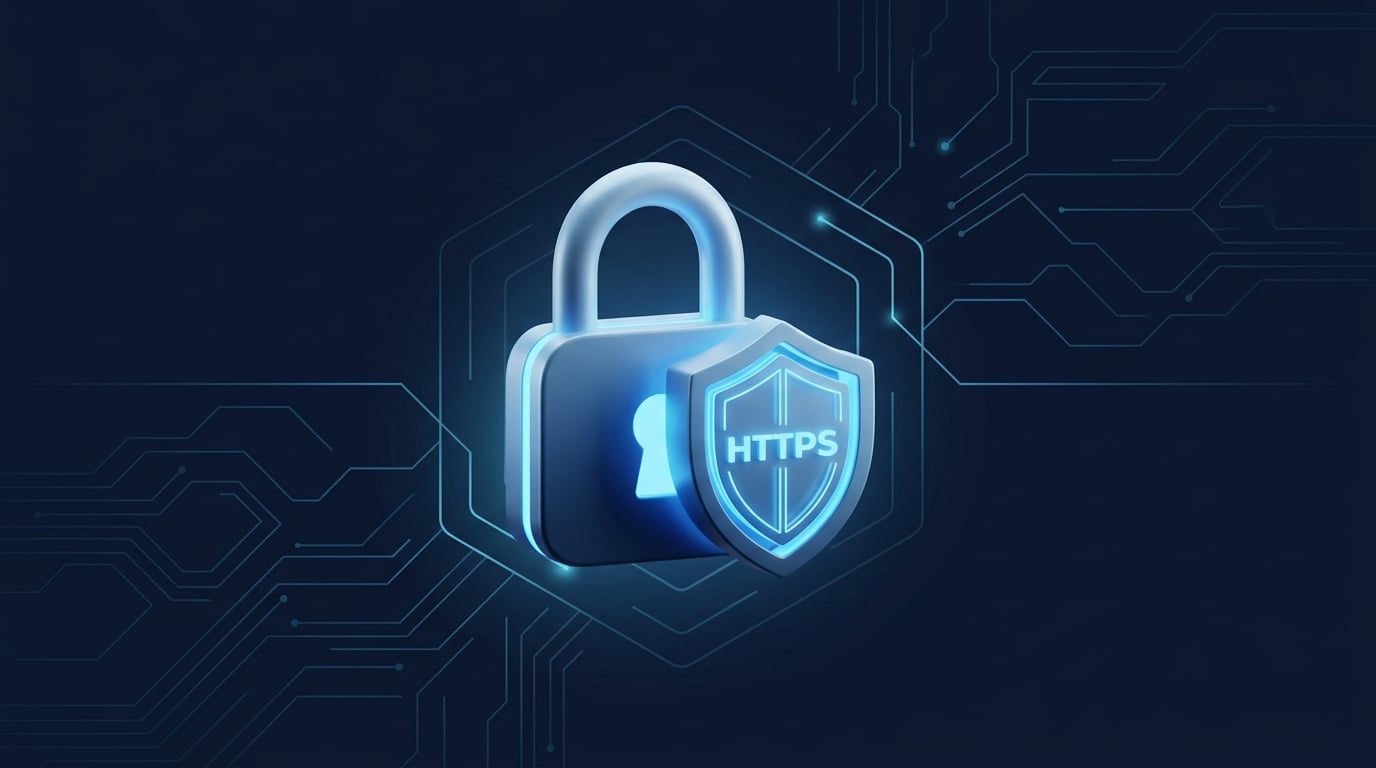
Website security sounds like something only big companies with IT departments need to worry about. In reality, the most common threats are automated bots that don't care how big you are — they scan the entire internet looking for easy targets. The good news: covering the basics is straightforward, and it protects both your customers and your reputation.
Here are the essentials, without the fear-mongering.
1. HTTPS Is Non-Negotiable
HTTPS is the encryption that puts the padlock icon in the browser's address bar. It protects any information that passes between your visitors and your site.
- Why it matters: Without it, browsers display a "Not Secure" warning right next to your address. That warning does real damage — customers hesitate, and some leave immediately.
- The fix is usually free. Most modern hosting providers include a free SSL certificate (often via Let's Encrypt). If your site still shows "Not Secure," contact your host or web person — this is a top-priority fix.
In our audits, a site without HTTPS is always flagged as a BLOCKER. It's that important — here's why some security findings receive a BLOCKER rating.
2. Keep Everything Updated
If your site runs on a platform like WordPress, the software, themes, and plugins all receive security updates. Outdated software is the number-one way small business sites get hacked.
- Enable automatic updates where you can.
- Remove plugins and themes you don't use. Every one is a potential door; unused ones are doors you forgot to lock.
- Stick to reputable plugins with active support and good reviews.
3. Use Strong, Unique Logins
Weak passwords are the other main way sites get compromised.
- Never use "admin" as a username or an easily guessed password.
- Use a password manager to generate and store long, unique passwords.
- Turn on two-factor authentication for your website admin, your hosting account, and your domain registrar. This single step blocks the vast majority of automated login attacks.
4. Back Up Your Site
Backups won't prevent a problem, but they're what let you recover quickly from one — whether it's a hack, a bad update, or simple human error.
- Automate it. Many hosts offer automatic daily or weekly backups.
- Store a copy off your server, so a problem with your host doesn't take your backup down with it.
- Test that you can actually restore. A backup you've never tested is a guess, not a safety net.
5. Protect Your Forms
Contact and quote forms are useful to customers — and attractive to spam bots.
- Add spam protection (such as a CAPTCHA or a modern invisible equivalent) to cut down on junk submissions.
- Make sure form submissions actually reach you and are stored or emailed securely.
- Never display submitted personal information publicly.
6. Choose Reputable Hosting
A lot of security is handled below the surface by your hosting provider. Cheap, low-quality hosting often means slow response to threats and shared servers with bad neighbors.
- Choose a host with a solid reputation, automatic backups, and good support.
- Confirm they provide free SSL and keep server software patched.
Security Is a Trust Signal
Here's the part owners often miss: security isn't just defensive. A visibly secure site — padlock present, no warnings, professional and current — signals that you're a legitimate, careful business. Customers feel that, even if they couldn't explain why.
You don't need to become a security expert. Cover these basics — ideally alongside our complete website audit checklist — revisit them a couple of times a year, and you'll be ahead of the large majority of small business websites, and far off the radar of the automated attacks that cause most of the trouble. If you'd like to see where your site stands today, you can run a free first-look scan.
Frequently Asked Questions
What does "Not Secure" in my browser mean?
It means your website is not using HTTPS encryption. Browsers show this warning to visitors, which damages trust and can scare customers away. It is fixable by installing an SSL certificate — most hosts now provide one for free.
Is a small business website really a target?
Yes. Most attacks are automated and indiscriminate — bots scan the entire web for outdated software and weak passwords, not specific victims. Small business sites are frequently compromised precisely because owners assume they are too small to target.
Founder, AllMind LLC
Erik is the founder of AllMind LLC, where he helps local service businesses in Erie and the Lehigh Valley understand and fix their websites through plain-English evidence audits. He writes about the practical side of websites, SEO, and getting found online — no jargon, just what works.
Want this done for your website?
Get a free first-look scan with your top 3 issues and an overall score — or a full human-reviewed Website Evidence Audit with every finding labeled PASS, WATCH, FIX, or BLOCKER.
Get website tips by email
Practical, no-jargon advice for local business websites. No spam — unsubscribe anytime.
Related Articles
How to Optimize Your Google Business Profile
Your Google Business Profile is the most powerful free marketing tool most local businesses have — and most underuse it. Here is how to set it up to win customers.

Local SEO for Small Businesses: A Practical Guide
How local service businesses actually get found on Google Maps and local search — the handful of things that matter, explained without the jargon.

The Complete Website Audit Checklist for 2026
A plain-English website audit checklist any local business owner can follow — covering first impressions, SEO, security, speed, and the customer paths that quietly cost you leads.